
 Compact: most reviewed
Cricut Joy Machine and Digital Content Library Bundle
A small Cricut for labels, cards and small decals. 4.6 stars from 2,031 ratings, the most among the compact cutters.
Independent buying guide · Prices checked November 21, 2026
CRAFT CUTTING MACHINES:
Compare 11 craft cutters in four types: compact digital, mid-width digital, large digital and manual die cutting. Amounts are approximate, in US dollars.
The most reviewed digital cutter in three sizes, by Amazon ratings as of 26 October 2026. We have not tested them: this is a starting point. Prefer no app? See the manual die cutters in the filters below.
Compact: most reviewedA small Cricut for labels, cards and small decals. 4.6 stars from 2,031 ratings, the most among the compact cutters.
 Mid-width: most reviewed
A Silhouette starter bundle with software, vinyl and tools. 4.4 stars from 2,896 ratings, the most among the digital cutters.
 Large: most reviewed
Scan a drawing and cut it, with 682 built-in designs. 4.3 stars from 1,321 ratings, the most among the large cutters.
A craft cutter is not one machine. Compact digital cutters suit labels and cards, wider ones handle decals and shirts, large ones list the most materials, and manual die cutters need no app at all. This guide compares the four types and 11 machines, using published product information.
We are not paid by brands to feature or recommend them. We may earn a commission from qualifying purchases through our affiliate links. This is not the official website of any brand. We have not personally tested these machines.
These are practical trade-offs to consider, not results from a hands-on test.
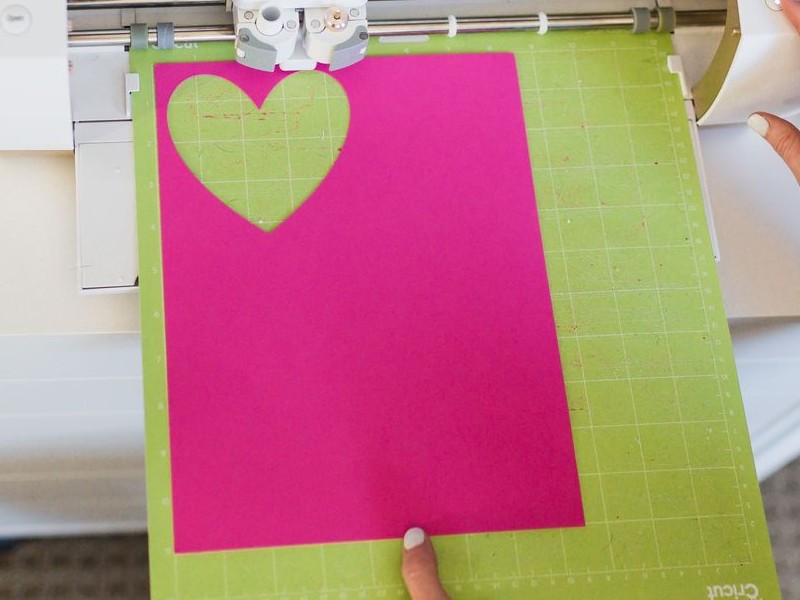
A good fit if you make small projects.
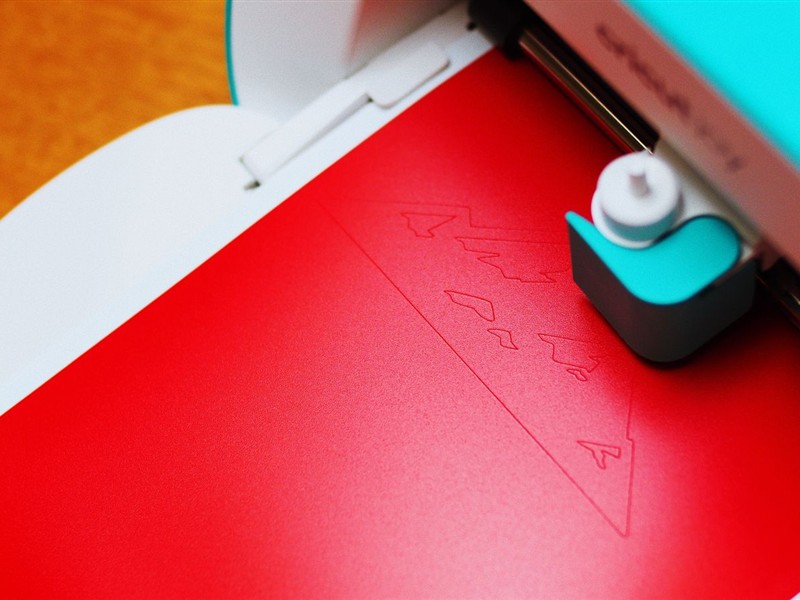
A good fit if your designs need more width.
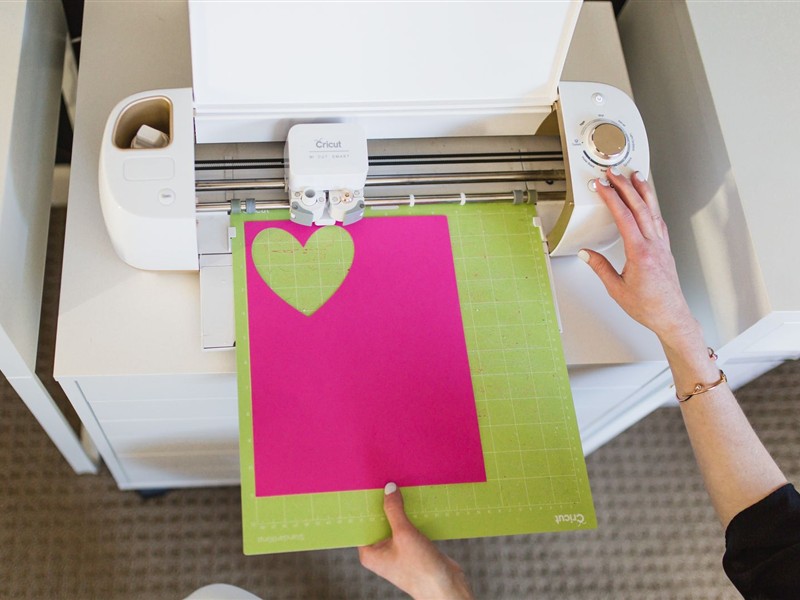
A good fit if you want one machine for many materials.
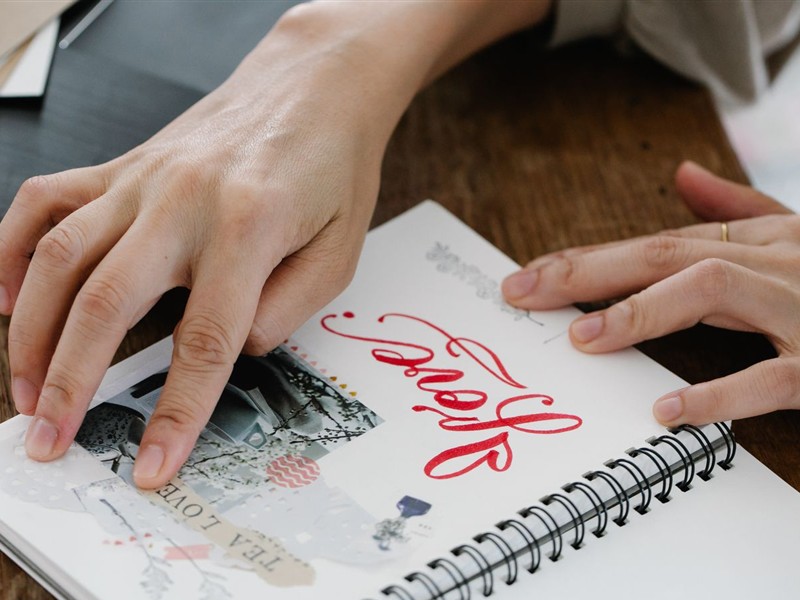
A good fit if you make cards and scrapbooks by hand.
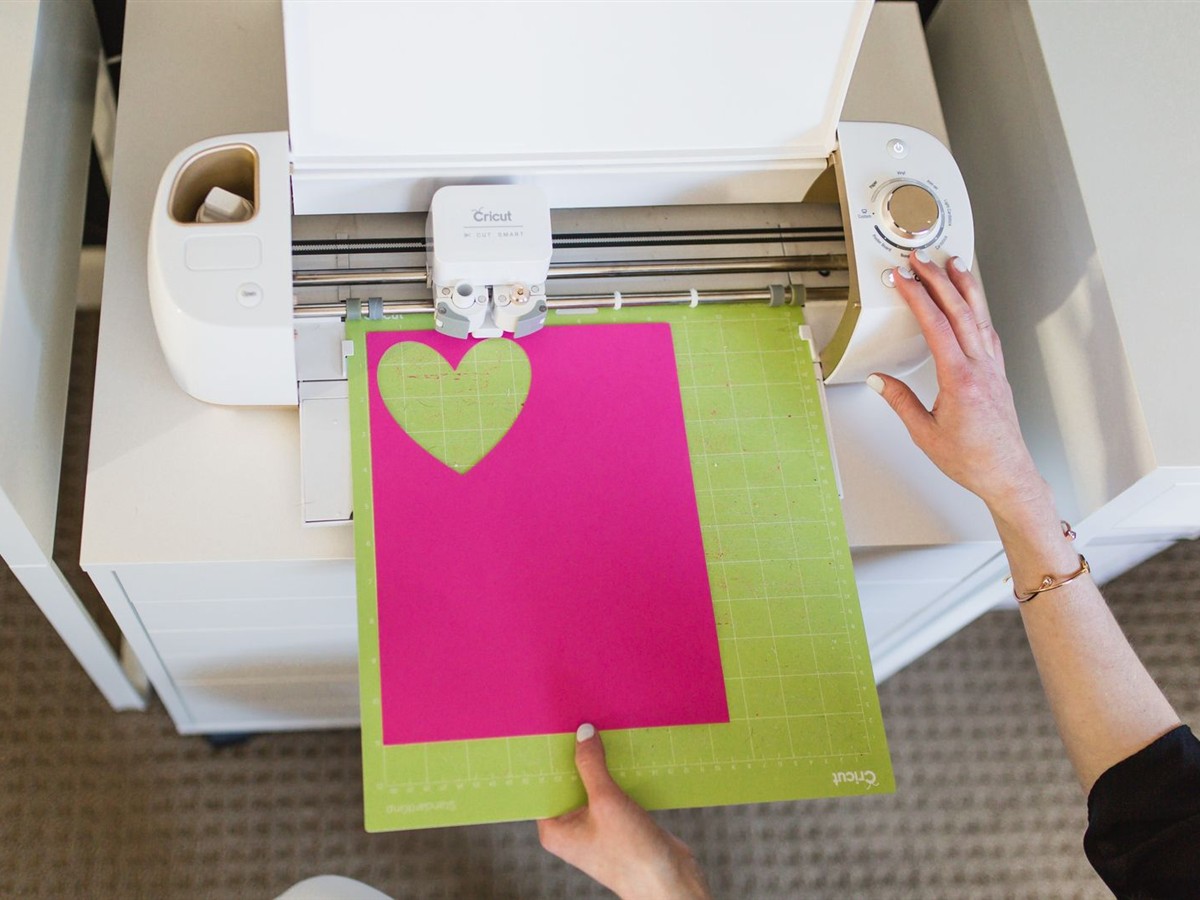
Photos: Pexels. Illustrative; brands shown may not be in our picks.
| Compact | Mid-width | Large | Manual | |
|---|---|---|---|---|
| Why consider it | Small and light | Wider designs | Most materials listed | No app needed |
| Main trade-off | About 4.5 in wide | More room needed | Most room, more to learn | Shapes come from dies |
Ideas for a first project. Check that your machine, materials and software support each one.
Photos: Pexels. Illustrative; brands shown may not be in our picks.
This comparison uses manufacturer guidance, the selected listings and practical buying criteria. It is not a hands-on test or a performance ranking.
“From” amounts are approximate starting points we checked on Amazon and rounded down. Prices change often, and sales such as Black Friday can move them a lot, so check the current price, seller, size, delivery date and returns before you buy. Ratings are as of 26 October 2026. Manual die cutters only appear under “Any” in the platform filter.
Candidates for different needs, grouped by type and ordered by approximate starting amount, not a ranking.
No pick matches all of these filters together. Go back to the filters and remove one, or use “Clear filters”.
Cutting width of about 4.5 inches, which suits labels, cards, small decals and stickers. They are easy to store, but wider designs need resizing or joining.
Compact digitalWhy consider it: you want to try a compact digital cutter.
★ 4.1 · 763 ratings on Amazon
According to the listing, a 4.5-inch compact cutter that connects by Bluetooth 5.0 or USB 2.0, with a front cover that doubles as storage for tools and materials, and beginner tutorials from the brand.
Key specs:
Width or material: 4.5 in, Bluetooth and USB
Detail: Front cover storage
Main compromise: it has a rating of 4.1 and a lesser-known brand, so check the software, the supported materials and recent reviews.
Compact digitalWhy consider it: you want the newer compact Cricut for labels, cards and small decals.
★ 4.3 · 338 ratings on Amazon
According to the listing, a bundle with supplies for 35 projects and bonus digital content. The manufacturer specifies a 4.5-inch cutting width, with mat cuts up to 4.25 × 11.75 inches on the long mat, and lists Print Then Cut and scoring.
Key specs:
Width or material: 4.5 in, Print Then Cut
Detail: Scoring, 35-project bundle
Main compromise: wider designs may need resizing, and the bundle has far fewer reviews than the original Joy.
Compact digitalWhy consider it: you want a compact Cricut with a large number of reviews.
★ 4.6 · 2,031 ratings on Amazon
According to the listing, a compact 3.9-pound machine with Bluetooth connection and a digital library of 30 images, sold as being able to cut 50-plus materials with the included blade.
Key specs:
Width or material: Compact, Bluetooth
Detail: 3.9 lb, 30-image library
Main compromise: it is the earlier Joy; the Joy 2 below lists Print Then Cut and scoring, so check what each supports.
A wider cutting area for larger decals or shirt designs. Check usable width for the material and workflow you plan, which is not always the same as the headline number.
Mid-width digitalWhy consider it: your designs need more width than the compact machines offer.
★ 4.4 · 773 ratings on Amazon
According to the listing, a smart cutting machine bundle with digital content. The manufacturer lists an 8.5-inch cutting width and Print Then Cut support.
Key specs:
Width or material: 8.5 in, Print Then Cut
Detail: Digital content bundle
Main compromise: it needs more storage and working room, and more width does not mean every material or tool is supported.
Mid-width digitalWhy consider it: you want to compare a second design platform at a mid-width.
★ 4.4 · 2,896 ratings on Amazon
According to the listing, a starter bundle that advertises Designer Edition software, vinyl and a tool kit. Silhouette uses its own software, not the Cricut app.
Key specs:
Width or material: Designer Edition software
Detail: Vinyl and tool kit
Main compromise: a different software workflow to learn; the listing’s “9-inch” headline is not a universal usable design width, so check the cutting area.
Wider cutting areas and longer material lists in the listings. Material claims are the makers’ own: check the tools and settings each material needs.
Large, versatile digitalWhy consider it: you want a print-and-cut machine from a different platform than Cricut.
★ 4.4 · 728 ratings on Amazon
According to the listing, a machine with 4-point registration for print-and-cut accuracy, a Fast Sketch Mode, AutoBlade and a quiet motor, listed for materials up to 3 mm thick. It uses Silhouette Studio software.
Key specs:
Width or material: Up to 3 mm materials
Detail: 4-point registration, Fast Sketch
Main compromise: a Silhouette software workflow to learn, and the cutting width is not given in the listing’s main points.
Large, versatile digitalWhy consider it: you want one Cricut for many different materials and projects.
★ 4.5 · 676 ratings on Amazon
According to the listing, a machine that works with 300-plus materials including leather, wood, vinyl, iron-on and cardstock, with Print Then Cut for most inkjet printers and the Design Space app. The bundle includes a fine-point blade, a materials sampler and 30 premium images.
Key specs:
Width or material: 300-plus materials listed
Detail: Print Then Cut, Design Space
Main compromise: the material list is the maker’s own, and each material may need its own tool or setting.
Large, versatile digitalWhy consider it: you need a 15-inch width for wide decals or signs.
★ 4.6 · 951 ratings on Amazon
According to the listing, a cutter with a cutting width of up to 15 inches, an electrostatic mat that supports up to 0.5 mm thickness, 4-point registration, AutoBlade, Fast Sketch Mode and a power-slide lid.
Key specs:
Width or material: Up to 15 in wide
Detail: Electrostatic mat, AutoBlade
Main compromise: it needs the most room of the Silhouette options, and the electrostatic mat lists a thickness limit of 0.5 mm, so check your material.
Large, versatile digitalWhy consider it: you want to scan a drawing and cut it.
★ 4.3 · 1,321 ratings on Amazon
According to the listing, a cutter with a built-in scanner, 682 built-in designs including 100 quilting patterns, automatic material sensing, and cuts up to 3 mm thick. It includes a 12 × 12 inch standard tack mat, a pen and a spatula.
Key specs:
Width or material: Up to 3 mm, built-in scanner
Detail: 682 designs, 12 × 12 in mat
Main compromise: a Brother workflow different from Cricut and Silhouette.
A hand-operated press that cuts and embosses shapes using compatible dies and folders. Nothing is sent from an app, so a new shape usually needs a new die.
 Manual die cutting
Why consider it: you want a manual starter kit from a heavily reviewed listing.
★ 4.4 · 7,265 ratings on Amazon
According to the listing, a starter kit with a 2.5-inch opening for scrapbooking and card making, using compatible dies and embossing folders.
Key specs:
Width or material: 2.5 in opening
Detail: Starter kit, manual
Main compromise: shapes depend on dies, and different color kits may not include the same accessories.
Manual die cuttingWhy consider it: you want a small manual way to cut paper shapes with dies.
★ 4.2 · 1,166 ratings on Amazon
According to the listing, a portable manual machine with a 2.5-inch opening and a vacuum seal to hold it on a smooth surface. It is compatible with Sizzix Thinlits dies, Framelits dies and embossing folders up to 2.5 inches wide.
Key specs:
Width or material: 2.5 in opening
Detail: Vacuum seal, dies and folders
Main compromise: it has fewer reviews than the Sidekick starter kit, and the 2.5-inch opening limits size.
Four close calls from the picks above, side by side. Based on the listings, not a hands-on test.
Pick this one if you want the earlier, heavily reviewed compact Cricut.
Pick this one if you want Print Then Cut and scoring, as the manufacturer lists them.
Key difference: A well-reviewed earlier model, or the newer one with more listed features.
Pick this one if you want the Cricut app and an 8.5-inch cutting width.
Pick this one if you want Silhouette software, bundled with vinyl and a tool kit.
Key difference: The Cricut platform, or a Silhouette bundle with software and tools.
Pick this one if you want a listing with 300-plus materials and the Design Space app.
Pick this one if you want 4-point registration for print and cut.
Key difference: A Cricut with the longest materials list, or a Silhouette with 4-point registration.
Pick this one if you do not need more than the standard width.
Pick this one if you need a cutting width of up to 15 inches.
Key difference: The standard Cameo 5, or the wide 15-inch cutting width.
As described in the listings; check the exact bundle before buying.
| Machine | Type | Width or material | Detail | From |
|---|---|---|---|---|
| Likcut S501 | Compact digital | 4.5 in, Bluetooth and USB | Front cover storage | $85 |
| Cricut Joy 2 | Compact digital | 4.5 in, Print Then Cut | Scoring, 35-project bundle | $100 |
| Cricut Joy | Compact digital | Compact, Bluetooth | 3.9 lb, 30-image library | $120 |
| Cricut Joy Xtra | Mid-width digital | 8.5 in, Print Then Cut | Digital content bundle | $120 |
| Silhouette Portrait 4 | Mid-width digital | Designer Edition software | Vinyl and tool kit | $215 |
| Silhouette Cameo 5 Alpha | Large, versatile digital | Up to 3 mm materials | 4-point registration, Fast Sketch | $280 |
| Cricut Maker 4 | Large, versatile digital | 300-plus materials listed | Print Then Cut, Design Space | $330 |
| Silhouette Cameo 5 Alpha Plus | Large, versatile digital | Up to 15 in wide | Electrostatic mat, AutoBlade | $375 |
| Brother ScanNCut SDX125E | Large, versatile digital | Up to 3 mm, built-in scanner | 682 designs, 12 × 12 in mat | $425 |
| Sizzix Sidekick 661770 | Manual die cutting | 2.5 in opening | Starter kit, manual | $39 |
| Sizzix Sidekick 664175 | Manual die cutting | 2.5 in opening | Vacuum seal, dies and folders | $60 |
Check the current listing, the seller, the size, delivery and returns before you buy.
Also in Crafts & sewing: our sewing machine guide and our PDF sewing patterns guide.
Your next step
Compare the types, check the software, width and materials, and choose the exact bundle before buying.